
AirDroid · Articles
Screen Mirroring That Doesn't Stop at "Just Viewing"
Screen Mirroring That Doesn't Stop at "Just Viewing"
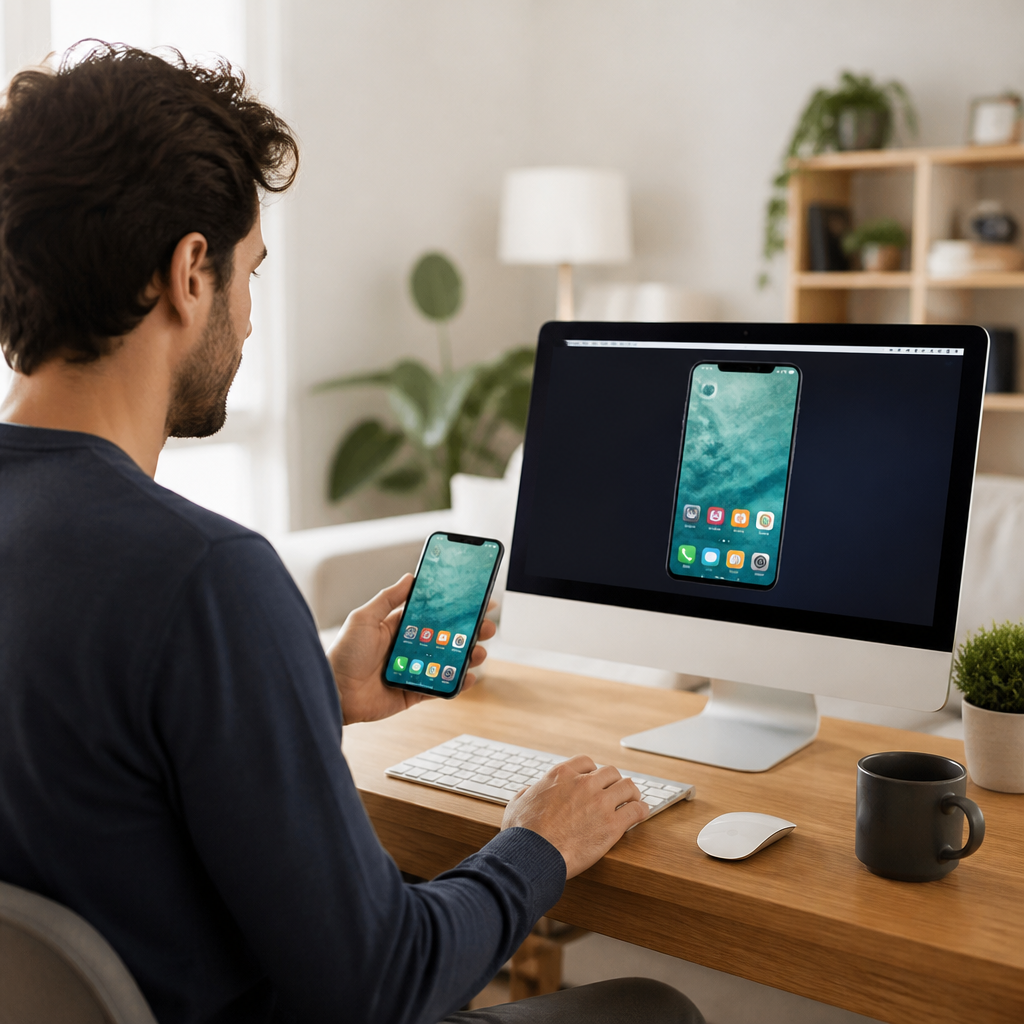
Most screen mirroring tools let you watch what's happening on another device — useful for a presentation, less useful if something actually needs fixing or demonstrating interactively. AirDroid Cast was built around closing that gap, pairing real-time mirroring with genuine remote control capability.
Three genuinely different connection methods
Rather than relying on a single connection type, AirDroid Cast supports wireless (Wi-Fi), USB cable, and remote network casting — covering scenarios from a quick same-room screen share to full remote collaboration across completely different networks and locations. That flexibility means the right connection method can be chosen based on the actual situation, rather than being locked into one approach regardless of context.
Genuine remote control, not just passive viewing
Beyond displaying a mirrored screen, AirDroid Cast's Control feature allows full interaction with the connected device — using a mouse and keyboard from a computer to operate a mobile phone or tablet directly. That capability turns the tool from a one-way display into genuine two-way remote operation, useful for troubleshooting a family member's phone issue or operating a mobile device during a demonstration without physically touching it.
Cross-platform support across the devices people actually use
The app works across iOS, Android, Windows, macOS, and even directly within a web browser through AirDroid Cast Web — meaning no installation is required on the receiving device in browser-based use cases, a genuinely convenient option when casting to a device you don't want to (or can't) install software on.
Multiple simultaneous screens for group scenarios
Up to 5 device screens can be mirrored to a single computer simultaneously — useful in classroom settings, team meetings, or any scenario where multiple participants' screens need to be visible and compared at once, rather than switching between single connections one at a time.
Two-way audio for genuine communication
Beyond visual mirroring, AirDroid Cast streams device microphone audio and supports two-way audio communication — letting users talk directly with meeting attendees or students through the casting session itself, rather than needing a completely separate call or conferencing tool running alongside the screen share.
AES encryption for session security
Casting sessions use AES encryption to protect the data being transmitted — a meaningful security consideration given that screen mirroring sessions can expose sensitive information if intercepted, particularly relevant for remote network casting that travels beyond a private local Wi-Fi connection.
A genuinely usable free tier, with clear premium upgrades
The free version supports unlimited local-network screen mirroring, while advanced features — USB casting, remote network mirroring, and full remote control — require a premium subscription. That tiering lets casual users get real value for free, while power users needing advanced functionality have a clear upgrade path.
At a glance
Product: ** AirDroid Cast (by Sand Studio)
Platforms: ** iOS, Android, Windows, macOS, web browser, Android TV
Connection methods: ** Wi-Fi, USB, remote network, AirPlay
Max simultaneous casts: ** Up to 5 devices to one computer
Key features: ** Remote control, two-way audio, AES encryption
Pricing: ** Free tier (local mirroring); premium for remote/USB/control features
Who it suits
AirDroid Cast suits anyone needing to mirror and often control a mobile device from a computer — for remote meetings, online teaching, tech support for family members, or presentations — across a genuine mix of platforms. Anyone only needing basic, same-network screen viewing without remote control or cross-network capability may find the free tier entirely sufficient without needing to upgrade. Shop AirDroid Cast — **
Visit store