
AirDroid · Articles
Screen Mirroring That Doesn't Care Which Operating System You're On
Screen Mirroring That Doesn't Care Which Operating System You're On
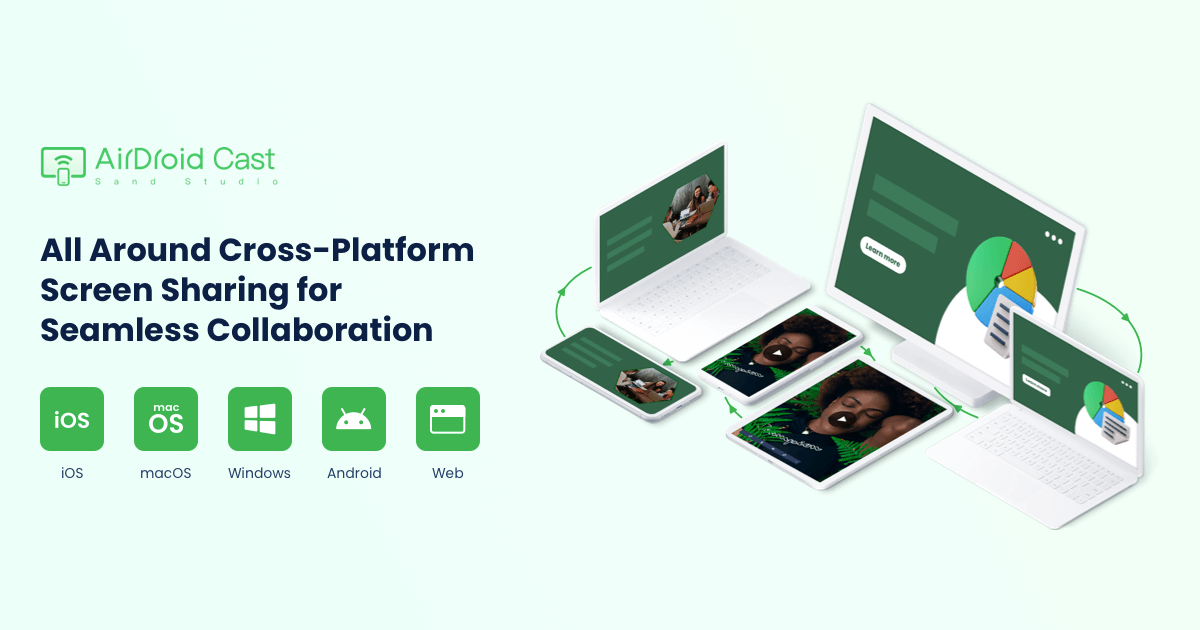
Most screen mirroring tools are built around a single ecosystem — AirPlay for Apple devices, a Chromecast-specific protocol for Android. AirDroid Cast takes a deliberately different approach, built specifically to work across Android, iOS, Windows, Mac, and smart TVs without forcing users into one brand's closed system.
Genuine cross-platform compatibility, not a single-OS tool
Rather than being limited to one ecosystem, AirDroid Cast specifically supports mirroring between iPhone, Android, Windows, and Mac devices in virtually any direction — letting an iPhone mirror to a Windows PC, or an Android device mirror to a Mac, without needing matching hardware brands on both ends.
A genuine no-install browser option
Beyond the standalone app, AirDroid Cast Web lets screens be shared directly to any browser without requiring installation on the receiving device — a meaningfully convenient option for one-off presentations or support sessions where installing new software isn't practical or desired.
Multiple connection methods for genuine flexibility
The app supports mirroring via USB cable, AirPlay, and wireless local or remote networks — letting users choose the connection method best suited to their specific situation, whether that's prioritising USB's connection stability or wireless convenience.
Remote network mirroring, not just local Wi-Fi
Unlike simpler mirroring tools restricted to devices on the same local network, AirDroid Cast's premium tier specifically supports mirroring across remote networks — letting devices in genuinely different physical locations still mirror to each other, relevant for remote support or distributed team collaboration.
Mirror up to five devices onto a single screen
For situations like panel reviews, classroom demonstrations, or side-by-side comparisons, AirDroid Cast supports casting up to five separate devices onto one receiving screen simultaneously — a genuinely useful capability for group collaboration scenarios beyond simple one-to-one mirroring.
Full remote control, not just passive viewing
Beyond simply viewing a mirrored screen, AirDroid Cast's Control feature lets users fully operate an iOS device's screen directly from a connected laptop or computer — turning the mirrored display into an actively controllable interface rather than a read-only viewing window.
Two-way audio alongside the video feed
Screen mirroring includes synchronized audio sharing in both directions — relevant for scenarios like watching media together remotely or conducting a demonstration where sound genuinely matters alongside the visual content.
AES encryption for genuine session security
Mirroring sessions are secured with AES encryption, and relay servers specifically do not store cast content — a meaningful security detail for anyone mirroring sensitive business presentations or personal content across a network.
At a glance
Product: ** AirDroid Cast (screen mirroring and remote control)
Platforms: ** Android, iOS, Windows, macOS, browser, Android TV
Connection methods: ** USB, AirPlay, wireless (local/remote)
Multi-device: ** Up to 5 simultaneous screens to one receiver
Security: ** AES encryption
Pricing: ** Free tier available; premium unlocks remote control and remote network mirroring
Who it suits
AirDroid Cast suits anyone needing to mirror a device screen across different operating systems — for presentations, remote teaching, technical support, or entertainment — without being locked into a single ecosystem's native mirroring tools. Anyone specifically needing remote control or mirroring across devices on different networks should confirm these require the premium tier, since the free version is limited to same-network mirroring without remote control. Explore AirDroid Cast — **
Visit store