
auto · Articles
Wireless CarPlay and Android Auto Adapters
Wireless CarPlay and Android Auto Adapters
 Transact Shopping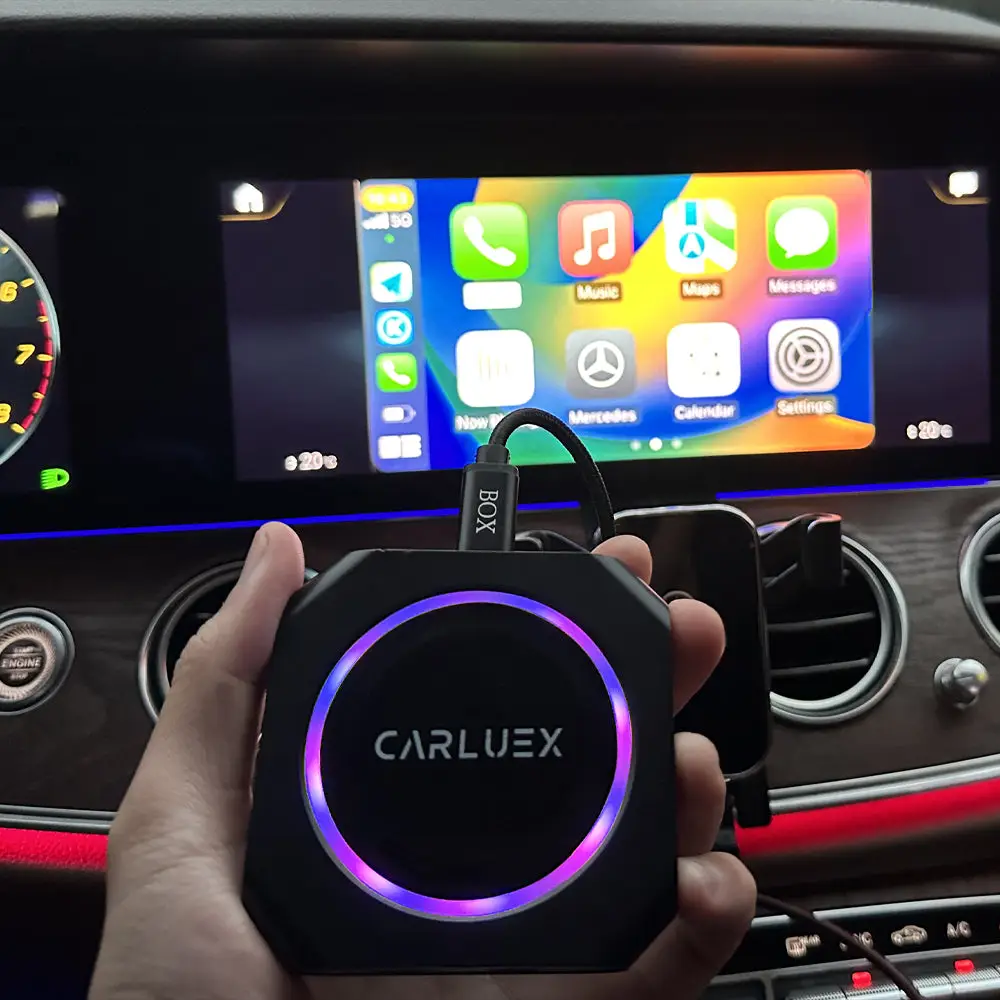
AUTOMOTIVE · GLOBAL
Wireless CarPlay and Android Auto Adapters
How they work, compatibility, latency and safety while driving
Adapters that convert a wired smartphone connection to a wireless one are among the most popular car accessories, and whether one works depends on specifics rather than on the car's badge.
How they work
The adapter plugs into the car's existing wired port and presents itself to the car as a phone. It then connects to your actual phone over its own wireless link, passing the data through.
That means the car must already support the wired version. An adapter cannot add the feature to a car that does not have it.
Compatibility
Check the specific model year and infotainment system rather than the manufacturer, since systems change mid-generation. Manufacturers publish compatibility lists and they are worth reading carefully.
Some cars require a firmware update, and a few disable the port after an update, which is worth knowing before buying.
Latency and reliability
Expect a connection delay of ten to thirty seconds after starting the car. Audio and navigation work well; heavy use of video-based apps and screen mirroring is where lag appears.
Wireless connections also use the phone's battery faster and generate heat, so a charging cable is still useful on long journeys.
Updates and support
These devices depend on firmware that must keep pace with phone operating system updates. A manufacturer that stops issuing updates leaves you with a device that breaks at the next phone update.
Check the update history before buying rather than the specification.
Safety
Set the destination and the music before moving. Interacting with a screen while driving impairs reaction time comparably to other serious distractions, and handheld phone use is illegal in most countries.
Use voice control, and pull over safely if something needs attention.
Power and placement
These draw power from the USB port and generate heat, so avoid enclosing one in a sealed compartment. Some cars power the port only when the ignition is on, which affects reconnection time.
Keep it somewhere you can reach it, since an occasional reset is normal.
Data and privacy
The adapter handles everything passing between phone and car. Buy from an established manufacturer rather than an anonymous listing, and check what the companion app asks for access to.
Troubleshooting
Most connection problems are solved by forgetting the pairing on both the phone and the adapter and starting again. Keep only one phone paired if several people use the car, since the adapter connects to whichever it finds first.
Check for firmware updates periodically, since these are issued to fix compatibility rather than to add features.
Installation
Most plug straight in. Route any cable so it cannot foul the pedals or the gear selector.
WHERE TO BUY
Ready to shop Carluex? Use the link below to visit the official store.
→ Shop Carluex — official site
Visit this site