
other · Articles
HDMI and AV Cables: What Actually Matters
HDMI and AV Cables: What Actually Matters
 Transact Shopping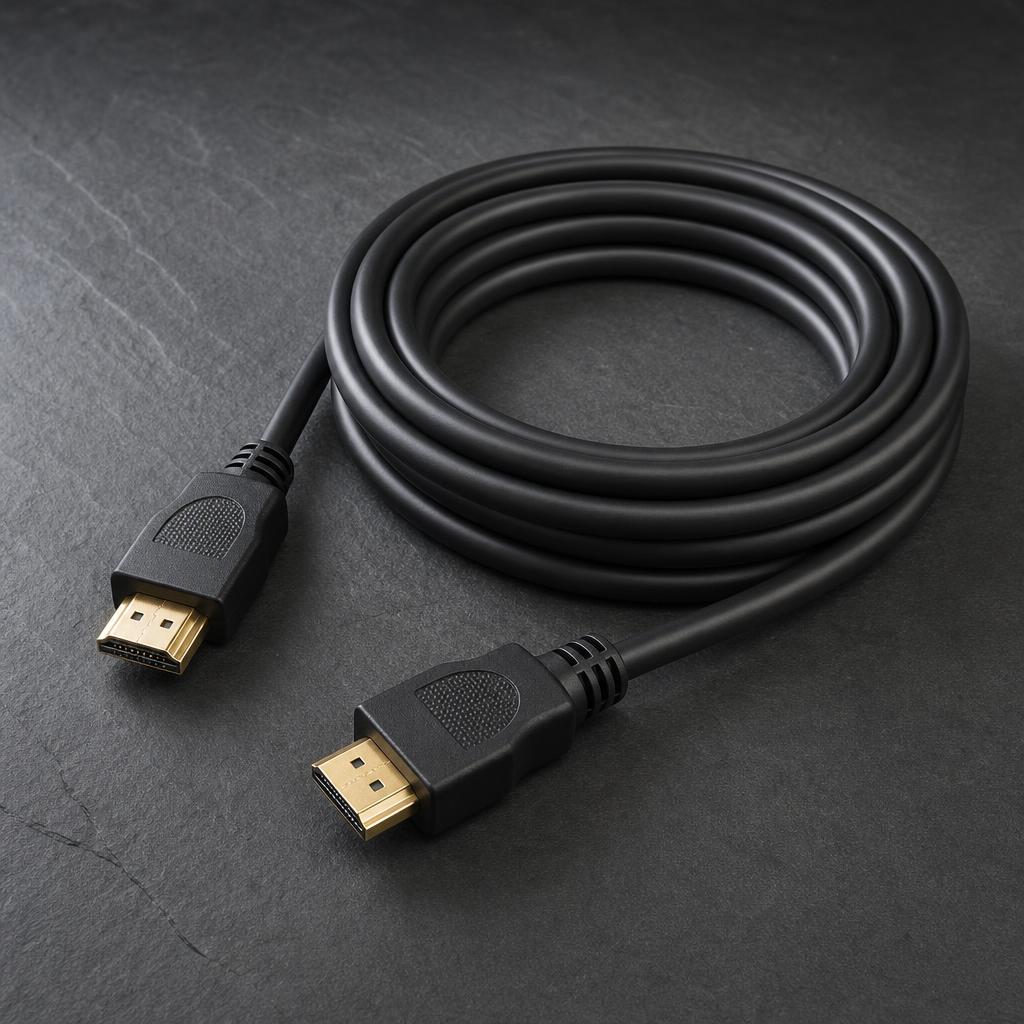
TECH · GLOBAL
HDMI and AV Cables: What Actually Matters
Why expensive cables rarely help, versions and bandwidth, length and connections
Cables are where a great deal of money is spent on no improvement, and the exceptions are specific and worth knowing.
Digital signals either arrive or they do not
HDMI carries a digital signal. Either the data gets through and the picture is identical, or it fails and you see sparkles, dropouts or no picture at all. There is no gradual improvement in colour or sharpness from a costlier cable.
A cheap certified cable and an expensive one carrying the same standard over the same distance produce the same image.
What does matter
The version and certified bandwidth. High Speed handles 4K at 60Hz. Ultra High Speed, rated at 48Gbps, is needed for 4K at 120Hz and 8K, which matters for current games consoles.
Look for the certification label rather than marketing terms, since many cables claim compatibility without meeting the standard.
Length is the real limitation
Passive HDMI struggles beyond about five metres at high bandwidth. For longer runs, use an active optical cable, which converts to light and carries high bandwidth over tens of metres.
Active cables are directional, so check which end goes where.
Analogue is different
For analogue audio, shielding and build genuinely affect interference, particularly over long runs near mains cables. Decent construction is worth a modest amount here, and exotic materials are not.
Connections and troubleshooting
Most HDMI problems are a loose connection, a device needing a restart, or a cable not rated for the bandwidth. Reseat everything before buying anything.
Check the television's input supports the feature — many sets have full bandwidth on only one or two ports.
Other cables
USB cables vary genuinely — charge-only cables cap speed, and high-power charging above 60 watts needs an e-marked cable. Ethernet beyond Cat 6 makes no difference in a home.
Optical audio carries stereo and compressed surround and cannot carry the newest formats, which need HDMI.
Buying
Buy a certified cable of the right length rather than the longest available, since excess cable is both untidy and unnecessary.
Setting up a television properly
Switch out of the shop demonstration picture mode, which is far too bright and inaccurate, and use a filmmaker or cinema preset. Turn off motion smoothing for films.
Check which HDMI port supports the features you need, since many sets have full bandwidth on only one or two.
Cable management
Route cables with a little slack at each end and support the weight rather than hanging it off the connector, which is where cables fail. Trunking or a cable sleeve keeps things tidy behind a television.
Do not run mains and signal cables tightly together over long parallel runs, which can introduce interference into analogue audio.
Routing
Do not run cables in a tight bend at the connector, which is where they fail.
WHERE TO BUY
Ready to shop TV Cables? Use the link below to visit the official store.
→ Shop TV Cables — official site
Visit this site