
other · Articles
Keyboards, Mice and Avoiding Strain
Keyboards, Mice and Avoiding Strain
 Transact Shopping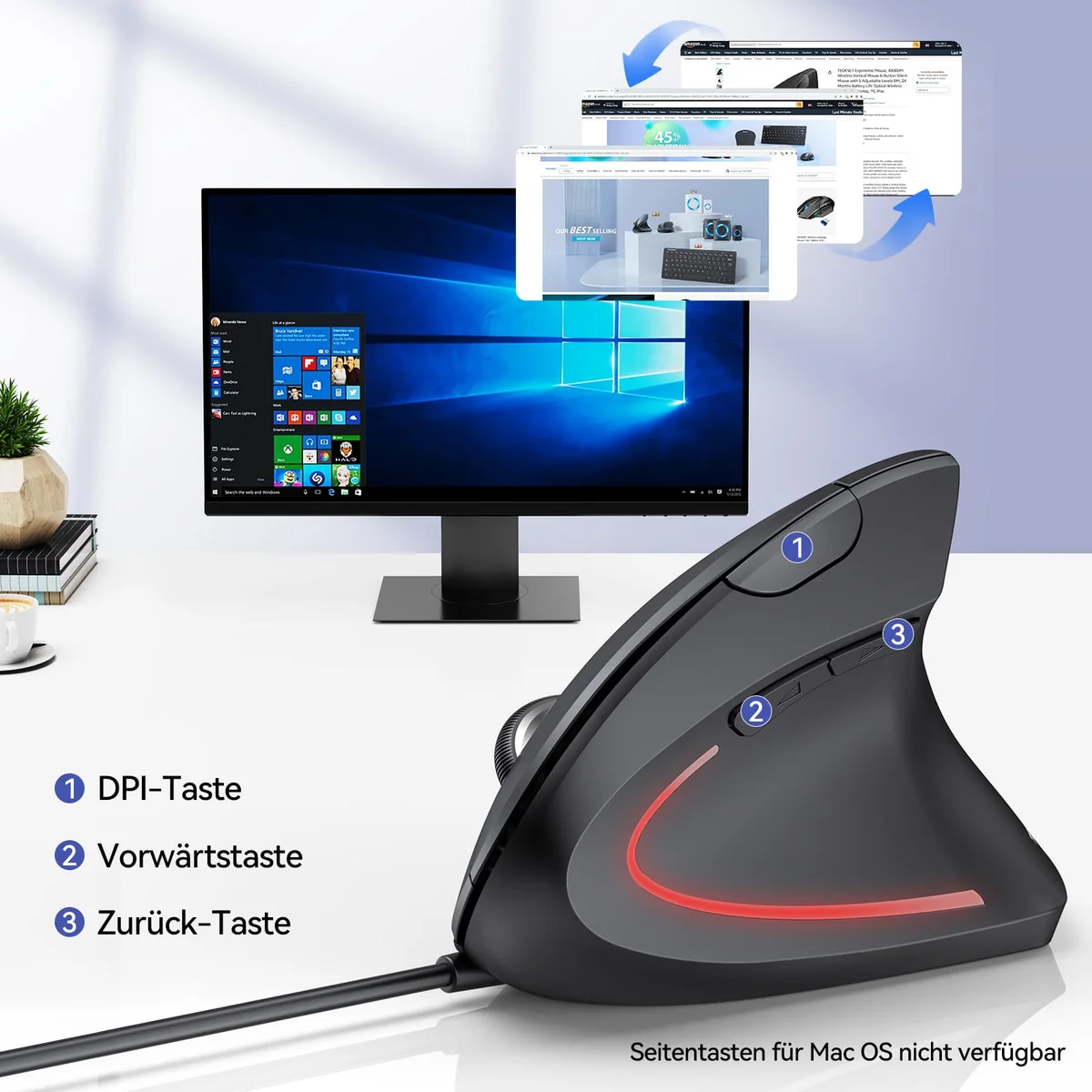
BUSINESS · GLOBAL
Keyboards, Mice and Avoiding Strain
What causes discomfort, setting up, alternative shapes and taking breaks
Wrist and arm discomfort at a desk usually comes from position and duration rather than from the equipment, which is why a new mouse alone rarely fixes it.
Position first
Elbows at roughly ninety degrees, forearms level, wrists straight rather than bent up or sideways, and the mouse close enough that you are not reaching. Shoulders relaxed rather than lifted.
A keyboard tilted up on its feet bends the wrists backwards, which is the opposite of what you want. Most people are better with it flat or tilted slightly away.
The mouse
Size matters — a mouse too small for your hand makes you grip with fingertips. A vertical mouse holds the forearm in a neutral handshake position, which suits some people considerably better.
Trackballs move the cursor without moving the arm, which helps anyone with shoulder pain. Increasing pointer speed reduces how far you move.
Keyboards
Split and tented keyboards reduce the sideways bend at the wrist. Low-profile keys reduce finger travel. None of these fixes a bad position.
A keyboard without a number pad brings the mouse closer, which matters more than most features.
Wrist rests
For resting between typing rather than during it. Pressing the wrist into a rest while typing compresses the tissue at exactly the wrong point.
Breaks do the most
Short frequent breaks, varying posture and getting up every half hour matter more than any peripheral. Look at something at least six metres away for twenty seconds regularly, which reduces eye strain.
Wireless and batteries
Rechargeable peripherals avoid a drawer of disposable cells, and a mouse that needs charging mid-afternoon is worse than one that takes an AA. Check the stated battery life honestly.
A receiver dongle is more reliable than Bluetooth for gaming and less convenient across devices.
Cleaning
Keyboards hold a remarkable amount of debris. Turn one over and tap it out regularly, and wipe keys and mouse with a barely damp cloth rather than spraying anything on.
Laptops and docks
Working on a laptop screen all day forces the neck down. A stand raising the screen to eye level with a separate keyboard and mouse fixes it for very little, and is the single most useful desk change most people can make.
Employers in many countries have obligations to assess workstations, including at home, and most people never ask.
Buying
Try a mouse in your hand before committing where you can, since size and shape matter more than features. Check the returns policy, and give anything new a fortnight before judging it.
A quiet keyboard matters in a shared room or on video calls.
When to get help
Persistent pain, numbness, tingling or weakness needs a doctor or physiotherapist rather than another purchase.
WHERE TO BUY
Ready to shop TECKNET? Use the link below to visit the official store.
→ Shop TECKNET — official site
Visit this site