
other · Articles
Antivirus and Staying Safe Online
Antivirus and Staying Safe Online
 Transact Shopping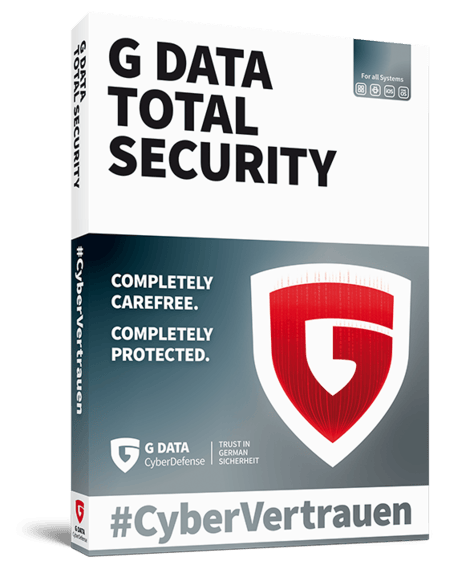
TECH · GLOBAL
Antivirus and Staying Safe Online
What security software does, what it cannot do, the basics that matter more and scams
Security software is worth having and is not the main thing protecting you, which is worth understanding before paying for the premium tier.
What it does
Detects known malware by signature, spots suspicious behaviour, blocks malicious websites and downloads, and scans email attachments. Independent testing labs publish comparative detection rates, which are the useful evidence.
Modern operating systems include capable built-in protection, which is adequate for many people. Paid suites add features rather than fundamentally better detection.
What it cannot do
It cannot stop you entering your password into a convincing fake page, approving a payment, or giving a caller remote access to your computer. Most losses now come from deception rather than from code.
The basics that matter more
Keep the operating system, browser and applications updated, since most attacks use known flaws that were already patched. Use a password manager with a unique password everywhere.
Turn on two-factor authentication, preferring an app or a security key over text messages. Back up important data to two places, one of them disconnected, which is the only reliable answer to ransomware.
Recognising scams
Urgency, secrecy and an unusual payment method are the three consistent signals. No bank, tax office or police force will ask you to move money to a safe account or to buy gift cards.
Nobody legitimate telephones to say your computer has a virus. Hang up and call the organisation back on a number you found yourself.
If something goes wrong
Disconnect from the network, change passwords from a different device, contact your bank immediately and report it to the national fraud reporting service.
Children and shared computers
Separate user accounts rather than sharing one, parental controls at the router as well as the device, and a conversation about what to do with anything that looks wrong. Children report problems when they are not afraid of losing the device.
Keep administrator accounts separate from daily use, which limits what any malware can do.
Phones
Install apps only from the official store, review permissions, and keep the operating system updated. Most phone security comes from those three things.
Backups
Three copies of anything important, on two kinds of media, with one kept disconnected or offsite. That is the only reliable answer to ransomware, theft and a failed drive.
Test that a backup actually restores rather than assuming it works.
Passwords
A password manager with one long unique passphrase protecting it is the single most useful security change most people can make. Reused passwords are how one breach becomes several.
Check whether your email has appeared in a known breach and change anything affected.
Choosing software
Check independent lab results and the subscription renewal price.
WHERE TO BUY
Ready to shop G DATA? Use the link below to visit the official store.
→ Shop G DATA — official site
Visit this site