
other · Articles
Chromebooks and Choosing an Operating System
Chromebooks and Choosing an Operating System
 Transact Shopping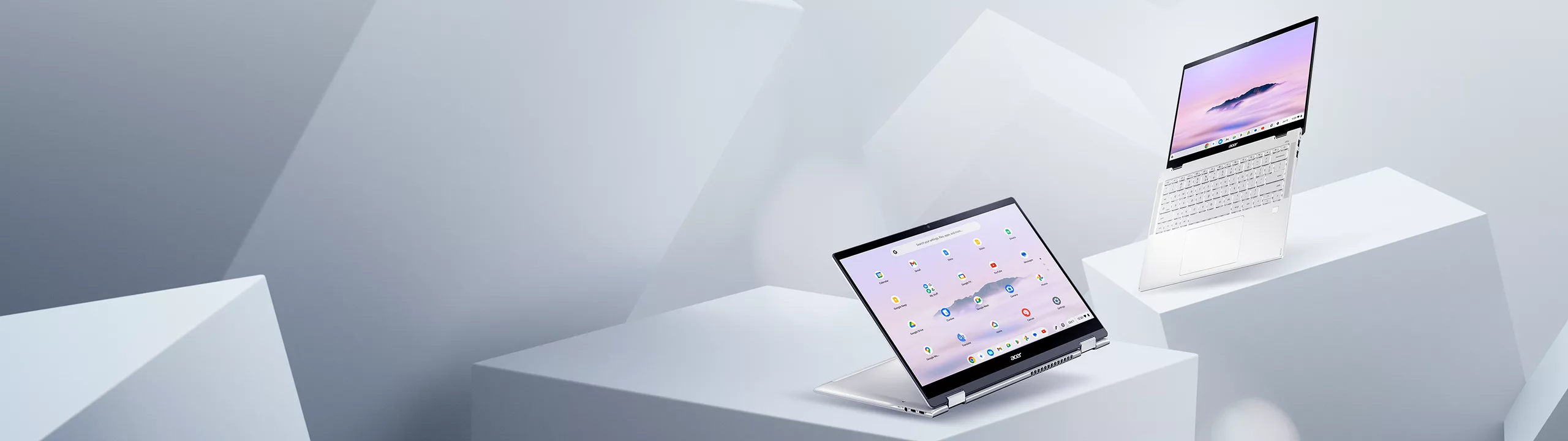
TECH · GLOBAL
Chromebooks and Choosing an Operating System
What a Chromebook is for, where it falls short, update expiry and alternatives
A Chromebook is a different proposition from a cheap Windows laptop rather than a lesser version of one.
What it is
A laptop running ChromeOS, built around the browser, with web applications and Android apps. Updates are automatic, the system is difficult to break and there is very little maintenance.
That makes it genuinely good for browsing, documents, email, video calls, streaming and schoolwork — which is most of what most people do.
Where it falls short
Professional desktop software — full Adobe applications, specialist engineering and accounting packages, most PC games — does not run natively. Some works through a browser or a remote connection and some does not.
Check the specific software you need before buying, since this is the decision rather than the specification.
Update expiry
Every Chromebook has an automatic update expiration date, after which it stops receiving security updates. Google has extended support to ten years from platform release for recent models.
Look that date up before buying, particularly second-hand, since a cheap Chromebook with two years left is not cheap.
Offline use
Better than it was — documents, mail and files work offline and sync later — and it is still a device designed around a connection.
Specifications
8GB of memory and a full HD IPS screen make a considerable difference. Storage matters less, since files live in the cloud.
Setting one up
Use a strong unique password and two-factor authentication on the account, since everything is tied to it. Set up separate profiles for each family member rather than sharing one.
Check which applications work offline before relying on it away from a connection.
For schools and students
Many schools issue or recommend them because management and updates are simple. Check what the school requires before buying anything.
Making a laptop last
Clean the vents periodically, keep it on a hard surface rather than soft furnishings, and use a charge limit where the manufacturer offers one. Heat is what degrades batteries fastest.
A sleeve or a padded bag prevents most of the damage that ends a laptop early.
Backups
Cloud sync plus one other copy, set up on the first day rather than after something goes wrong.
Peripherals
An external monitor, a keyboard and a stand raising the screen to eye level transform any laptop used daily at a desk, and cost very little. A mouse beats a trackpad for anything precise.
Headphones with a decent microphone matter more than people expect for calls.
Alternatives
A refurbished business laptop at the same price offers a better keyboard and full software compatibility, with more maintenance.
WHERE TO BUY
Ready to shop Acer NL? Use the link below to visit the official store.
→ Shop Acer NL — official site
Visit this site