
other · Articles
What an AI PC Actually Is
What an AI PC Actually Is
 Transact Shopping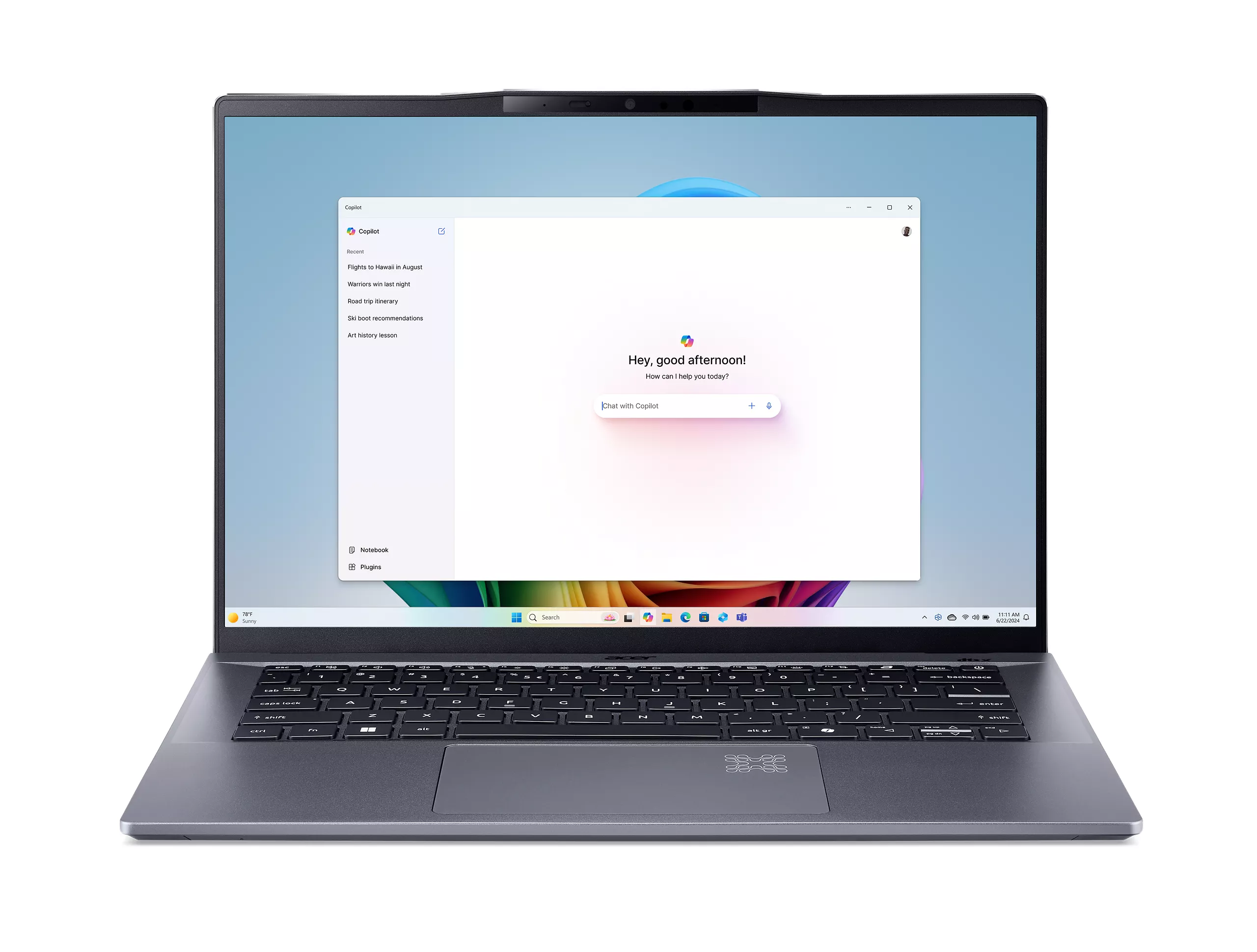
TECH · GLOBAL
What an AI PC Actually Is
NPUs explained, what runs locally, whether you need one and buying sensibly
Laptops are increasingly sold as AI PCs, and the label describes a specific piece of hardware rather than a general capability.
The NPU
A neural processing unit is a separate block on the processor designed to run machine learning workloads efficiently at low power. It does not make a computer faster at ordinary tasks.
Performance is quoted in TOPS — trillions of operations per second. Certain feature programmes require a minimum figure, which is why that number appears in marketing.
What it actually does today
Background blur and noise suppression in video calls, live captions and translation, some image editing features, and local assistants. These run on the NPU instead of the processor, which saves battery and keeps data on the device.
Most of what people associate with AI still runs in the cloud on someone else's servers, and works on any machine with an internet connection.
Privacy is the real argument
Processing locally means audio, video and documents need not leave the machine. For anyone handling confidential material, that is a genuine benefit rather than a marketing one.
Check what a given feature actually does, since some advertised as on-device still send data away.
Do you need one
If you are buying a laptop now, an NPU comes with most current processors and costs nothing extra. Buying one specifically for the label, or paying a premium, is harder to justify today.
Memory matters more — 16GB is the sensible floor, and local models are memory hungry.
Memory and storage
16GB of memory is the sensible floor and 32GB is worth having if you run local models or large documents. Check whether memory is soldered, since many thin machines cannot be upgraded at all.
A 512GB drive fills faster than people expect once local models and games are installed.
Battery claims
Quoted figures come from light video playback tests. Real mixed use is typically half to two thirds of the headline number, and reviews measuring realistic workloads are worth more than the specification.
Privacy settings
Go through the assistant and recording features on setup and turn off what you do not want, rather than accepting the defaults.
What actually determines the experience
The screen, the keyboard, the battery and the build are what you notice every day. A specification that wins a comparison table and a screen you squint at is the wrong trade.
Read reviews that measure brightness, hinge stiffness and sustained performance rather than listing components.
Check the weight with the charger, since these machines are carried.
Buying sensibly
Judge the machine on the screen, keyboard, battery, build and support lifespan, which are what you will actually notice.
WHERE TO BUY
Ready to shop Acer BE? Use the link below to visit the official store.
→ Shop Acer BE — official site
Visit this site