
electronics · Articles
Mini PCs: What They Suit and What to Check
Mini PCs: What They Suit and What to Check
 Transact Shopping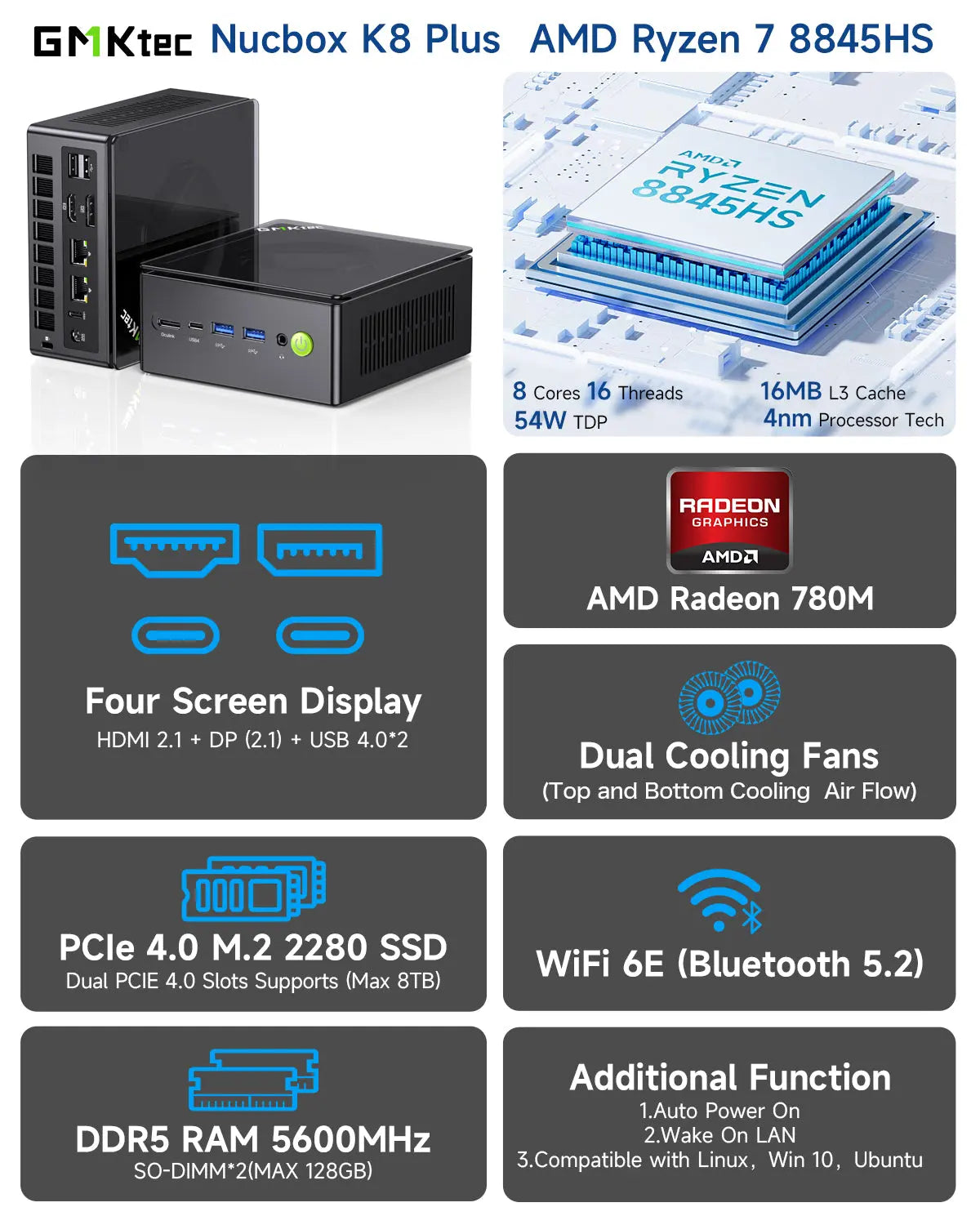
TECH · UNITED STATES
Mini PCs: What They Suit and What to Check
Processors and memory, connectivity, thermals and where they fall short
A mini PC does most of what a desktop tower does in a box the size of a book, and the compromises are in specific places. Knowing where makes the decision straightforward.
What they suit
Office work, browsing, media playback, a home server, digital signage and anything running quietly in a living room. For those, a mini PC is frequently a better fit than a tower.
They also suit small desks and wall or monitor mounting, which removes the box from the room entirely.
Processor and memory
Laptop-class processors are used, which is fine for most work and is not a substitute for a desktop chip under sustained load. Check whether memory and storage are user-upgradeable, since some are soldered.
Buy more memory than you think you need if it cannot be changed later.
Graphics
Integrated graphics handle video, office work and light gaming. Modern integrated chips are considerably better than they were and remain well behind a dedicated card.
For serious gaming or graphics work, a mini PC is the wrong tool unless it supports an external graphics enclosure.
Thermals and noise
A small case means a small cooler, so these machines run warmer and the fan is audible under load. Read reviews that measure noise rather than mention it.
Leave clearance around the vents and do not enclose it in a cabinet.
Connectivity
Count the ports you actually need — displays, USB, wired network — and check the maximum number of monitors supported, which is frequently lower than the number of video outputs suggests.
Setting one up
Mount it behind the monitor with a VESA bracket if the fixing is supplied, which removes it from the desk entirely. Use a wired network connection where the machine stays in one place.
Check the power supply is an external brick or internal, since an external one needs somewhere to sit.
As a home server
Low idle power makes these well suited to running continuously for media, backups or home automation. Check idle consumption in watts rather than the maximum rating.
Buying refurbished
Mini PCs are widely available refurbished from business stock, frequently with a warranty and at a substantial discount. Check the warranty length and that the operating system licence is genuine and transferable.
Check whether memory and storage can be upgraded, since business machines are frequently specified minimally.
Practical
Check whether an operating system licence is included and that it is a genuine licence. Check the warranty and where service is carried out.
Keep the box ventilated and dust it occasionally, since small coolers clog quickly.
WHERE TO BUY
Ready to shop GMK Tec? Use the link below to visit the official store.
→ Shop GMK Tec — official site
Visit this site