
gaming · Articles
Choosing a Motherboard and Building a PC
Choosing a Motherboard and Building a PC
 Transact Shopping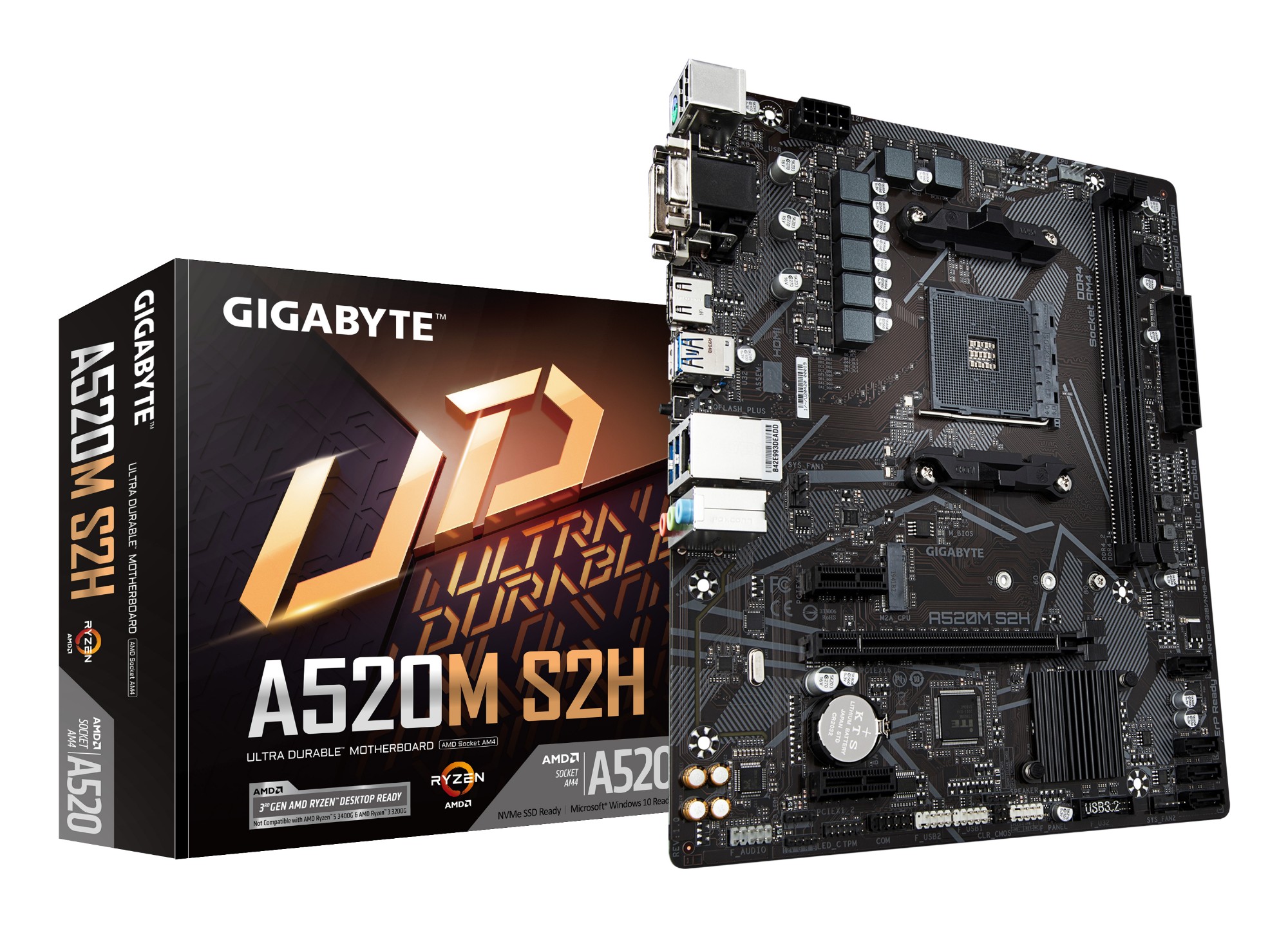
TECH · GLOBAL
Choosing a Motherboard and Building a PC
Socket and chipset, memory support, expansion, and the build order that works
The motherboard is the component people research least and it determines what everything else can be. Four things decide whether a board suits a build.
Socket and chipset
The socket must physically match the processor, and the chipset determines what features are available — overclocking, the number of fast storage slots, USB speeds and how lanes are shared.
Check the board's CPU support list for your exact processor, since newer chips sometimes need a firmware update on an older board.
Memory
Check the generation supported, since DDR4 and DDR5 are not interchangeable and the board decides. Check the maximum capacity and the supported speeds, and use the slots the manual specifies for two modules.
Memory speed profiles need enabling in firmware. Memory bought and left at default speed runs slower than advertised, which catches out most first-time builders.
Expansion and storage
Count the M.2 slots and read the manual on lane sharing, since populating one slot frequently disables SATA ports or drops a graphics slot to fewer lanes.
Size and case
ATX, micro-ATX and mini-ITX describe the board size, and the case must accept it. Smaller boards have fewer slots and are harder to build in.
Power delivery and cooling
For a high-power processor, look at the VRM quality and heatsinks rather than the aesthetics. Check the CPU cooler clears the memory and the case panel.
Build order
Fit the processor, cooler bracket and memory to the board outside the case, on the box. Test boot with the minimum components before cabling everything in.
Stand the power supply off, discharge static by touching the case, and do not force anything — every connector fits one way.
Where to spend
For gaming, the graphics card is usually the component that determines frame rate, and spending there before the processor makes more difference. For editing and compiling, the processor and memory matter more.
A fast solid state drive improves how the whole machine feels more than almost any other upgrade.
Firmware and drivers
Update the board firmware and chipset drivers after building, since shipping versions are frequently months old. Keep a note of the version before updating, in case of a problem.
Cases and airflow
A case with genuine intake and exhaust paths matters more than the number of fans. Positive pressure with filtered intakes keeps dust out, and dust is what eventually throttles a machine.
Clean the filters every few months, which takes minutes and does more for temperatures than new fans.
Before buying
Check the power supply wattage and connectors against the graphics card, which is where builds most often fall short.
WHERE TO BUY
Ready to shop GamingKit? Use the link below to visit the official store.
→ Shop GamingKit — official site
Visit this site