
electronics · Articles
Scanning Objects for 3D Printing
Scanning Objects for 3D Printing
 Transact Shopping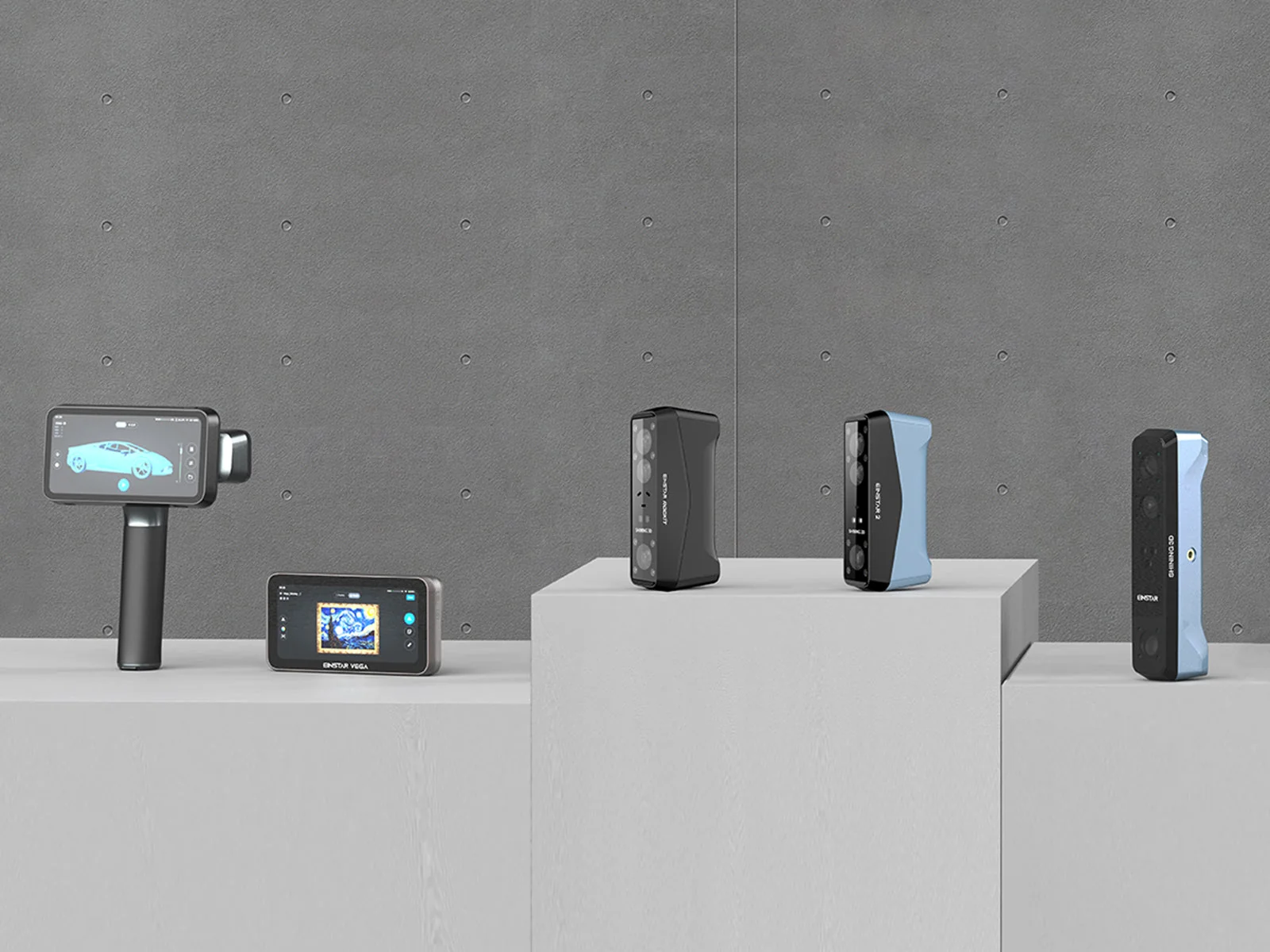
TECH · GLOBAL
Scanning Objects for 3D Printing
What scans well, cleaning up a mesh, making it printable and rights
A 3D scan is a starting point rather than a finished model, and the work after scanning is where most of the time goes. Knowing that in advance sets the right expectation.
What scans well and what does not
Matt, light-coloured, textured surfaces scan easily. Shiny, transparent, black and very fine detailed surfaces are the hard cases, because light either reflects away, passes through or is absorbed.
The standard fix is a light coating of scanning spray or dry shampoo, which brushes off afterwards.
Capture technique
Control the lighting, avoid direct sunlight, and take more angles than you think you need. Overlap between passes is what lets the software align them.
A turntable gives consistent results for small objects; handheld suits large ones and needs steady movement and tracking markers.
From mesh to printable
A raw scan is a mesh with holes, noise and no watertight surface. It needs cleaning, hole filling and frequently rebuilding as solid geometry before a printer will accept it.
A printable model must be manifold — a closed surface with no gaps or inverted faces. Most slicers will warn you, and some repair simple errors automatically.
Scale and accuracy
Check the scale after import, since scanners and slicers do not always agree on units. Print a small test section before committing to a long print.
Quoted accuracy is measured under ideal conditions on a single capture, and real accuracy after aligning multiple scans is lower.
When not to scan
For simple geometric parts, measuring with calipers and drawing in CAD is faster and considerably more accurate than scanning.
What you need alongside
A computer meeting the software requirements, which for scanning are higher than people expect, and storage for large files. Scanning spray, tracking markers and a turntable are the usual accessories, and they add up.
Check what software is included, whether it is subscription based, and which file formats it can export to.
Learning curve
Expect the first week to produce poor scans while you learn lighting, distance and movement speed. Scan something simple and matt before attempting anything shiny, dark or finely detailed.
Typical uses
Replacement parts for things no longer made, fitting brackets to existing objects, digitising models for archiving, and capturing organic shapes that would be very difficult to measure by hand.
Scanning to print a replacement for a broken part usually still needs CAD work to make the mating surfaces accurate enough to fit.
Rights
Scanning an object does not give you rights to it. Copying a copyrighted design for sale is infringement, and scanning people requires their consent.
WHERE TO BUY
Ready to shop SHINING 3D? Use the link below to visit the official store.
→ Shop SHINING 3D — official site
Visit this site