UPDF · Articles
A PDF Editor That Increasingly Behaves Like a Document Assistant
A PDF Editor That Increasingly Behaves Like a Document Assistant
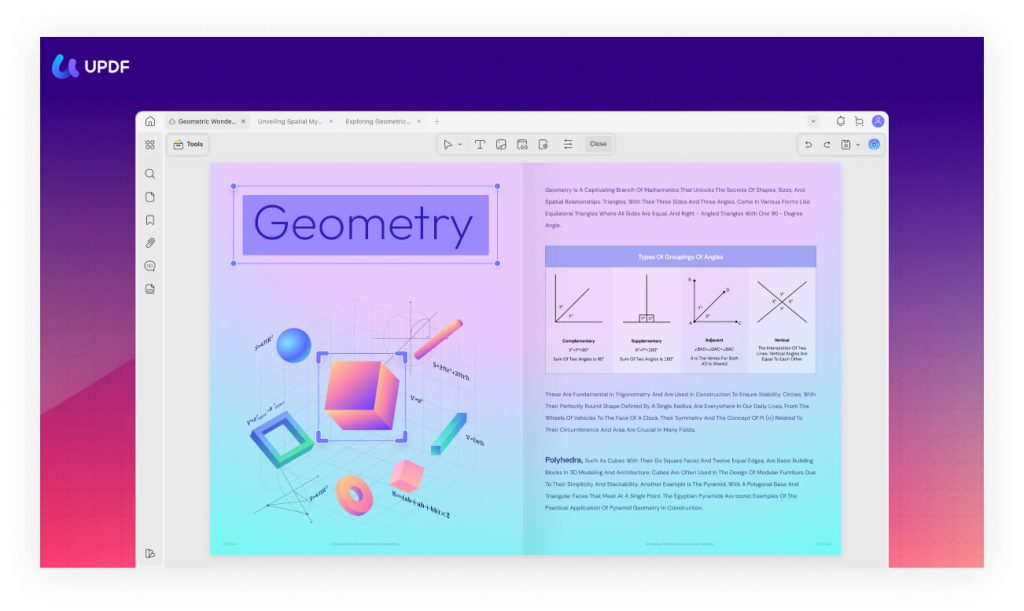
Traditional PDF software has long focused purely on document manipulation — editing text, adding annotations, converting file formats. UPDF takes that foundation and builds a genuine AI interaction layer on top of it, shifting the tool from pure editor toward something closer to an active document assistant.
A single license covering genuinely comprehensive functionality
Rather than requiring multiple separate subscriptions for different PDF tasks, UPDF consolidates editing, annotation, conversion, OCR, document organisation, and AI assistance into one application — a genuinely consolidated approach compared to tools that fragment these capabilities across different paid tiers or products.
AI Copilot for natural language PDF control
UPDF Copilot lets users control their entire PDF workflow through natural language commands — a genuinely different interaction model from clicking through traditional menus, letting users describe what they want done rather than hunting for the specific tool.
An AI editing suite built directly into the document
Rather than requiring copy-pasting text elsewhere to edit it, the AI Editing Suite lets users rewrite, expand, shorten, or proofread text directly within the PDF editor — keeping the entire editing workflow contained within one interface.
AI-generated bookmarks with section summaries
The AI Bookmark Agent automatically generates bookmarks and provides instant summaries for each section — a genuinely useful navigation aid for long documents, letting users understand a document's structure and content without reading every page manually.
Semantic search that understands concepts, not just keywords
UPDF's AI Semantic Search specifically finds content based on meaning rather than exact word matches — with a stated 95% concept accuracy, this represents a genuinely more intelligent search capability than traditional keyword-only PDF search.
Genuine mind-map generation for complex documents
UPDF integrates GPT-5 powered AI features capable of summarising documents running over 1,000 pages into visual mind maps within seconds — a capability specifically aimed at helping users digest genuinely massive documents far faster than manual reading would allow.
Broad cross-platform availability
UPDF works consistently across Windows, macOS, iOS, and Android — letting users move between devices while maintaining the same editing and AI-assistance experience, with UPDF Cloud syncing files across all of them in real time.
A genuinely more affordable alternative to legacy PDF software
Independent reviewers specifically describe UPDF as an excellent value-for-money alternative to Adobe Acrobat and similarly priced competitors, offering a one-time purchase option alongside its AI-enhanced subscription tier — giving buyers genuine choice in how they want to pay for the software long-term.
At a glance
Product: ** UPDF (AI-Powered PDF Editor)
Core features: ** Edit, annotate, OCR, convert, organise, protect PDFs
AI features: ** Copilot, AI Editing Suite, semantic search, bookmark summaries, mind maps
Platforms: ** Windows, macOS, iOS, Android
Cloud sync: ** UPDF Cloud (cross-device)
Pricing: ** One-time purchase option plus AI assistant subscription tier (~$79/year)
Who it suits
UPDF suits anyone wanting a genuinely comprehensive, AI-enhanced PDF tool that consolidates editing, annotation, and intelligent document interaction into a single application, at a considerably lower cost than premium alternatives like Adobe Acrobat. Anyone specifically needing enterprise-grade document management integration should compare UPDF's current feature set against more established enterprise PDF platforms, since UPDF's AI capabilities, while genuinely strong, remain a newer addition to the broader PDF software landscape. Explore UPDF — **
Visit store